
README_EN.md 8.0 KB
RustDesk API
This project implements RustDesk's API using Go and includes a Web UI and Web client. RustDesk is a remote desktop software that provides a self-hosting solution.


Preparation
Rustdesk
- The PC client version used is 1.3.0, and versions 1.2.6+ have been tested to work.
- The server must specify a key and not use the built-in generated key; otherwise, connection issues or timeouts may occur.
hbbs -r <relay-server-ip[:port]> -k 123456789
hbbr -k 123456789
Features
API Service: Implements the basic interfaces for the PC client.
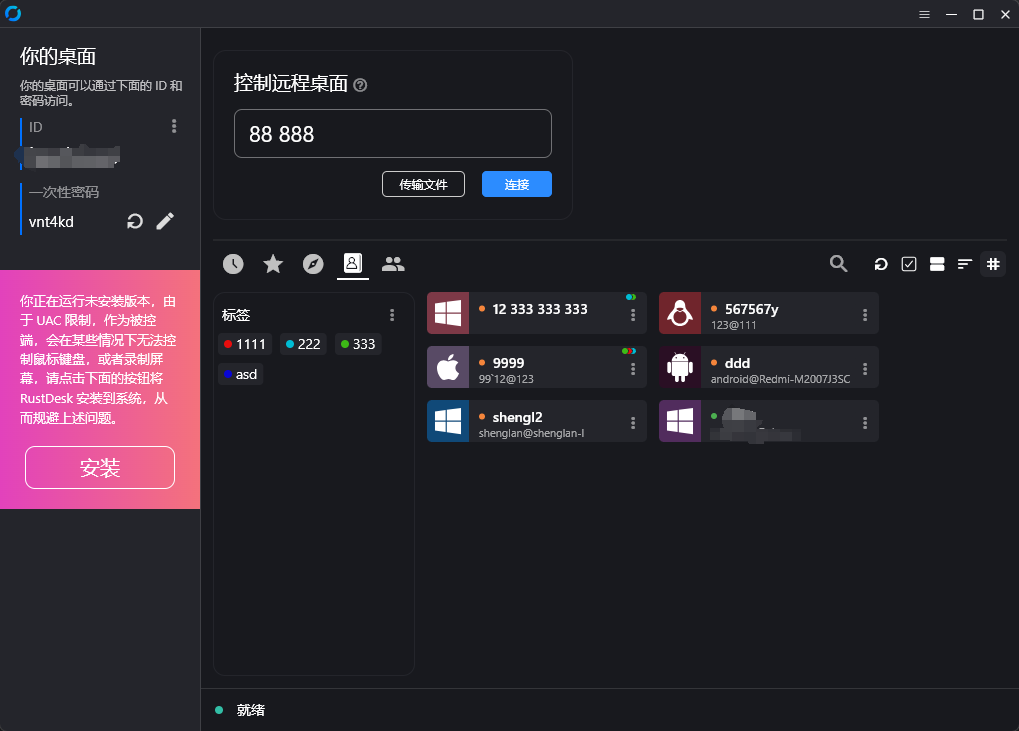
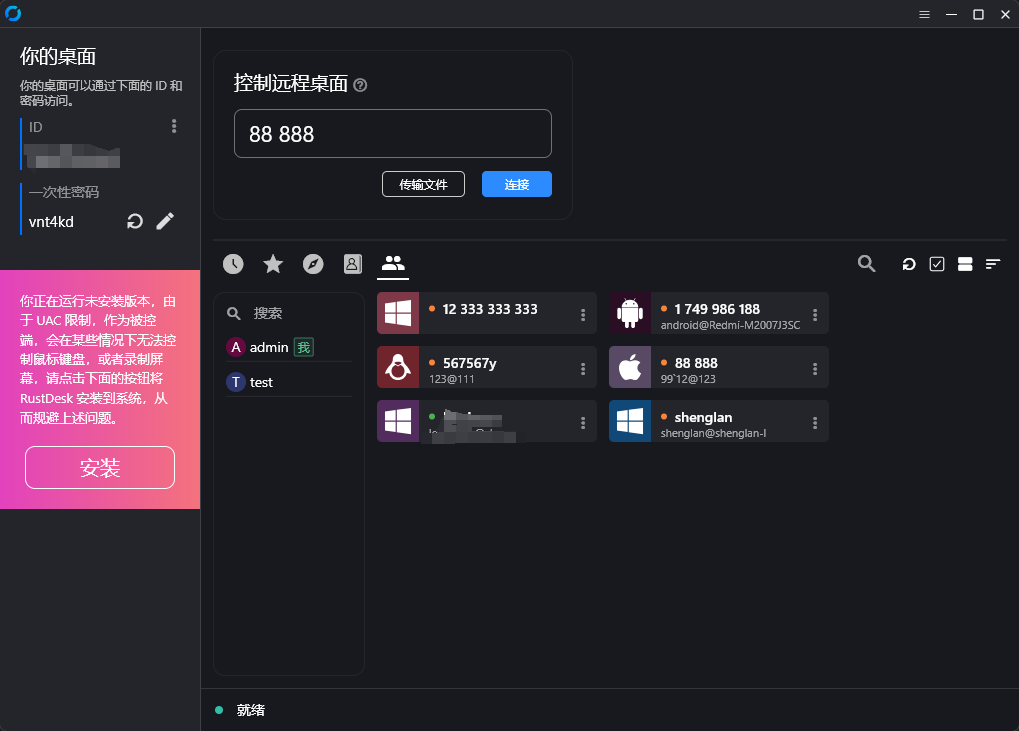
Web UI: Uses a front-end and back-end separation, providing a user-friendly management interface primarily for administration and display.
The front-end code is available at rustdesk-api-web.
The admin panel can be accessed at http://<your server>:21114/_admin/ with default credentials of admin admin. Please change the password promptly.
- Admin interface
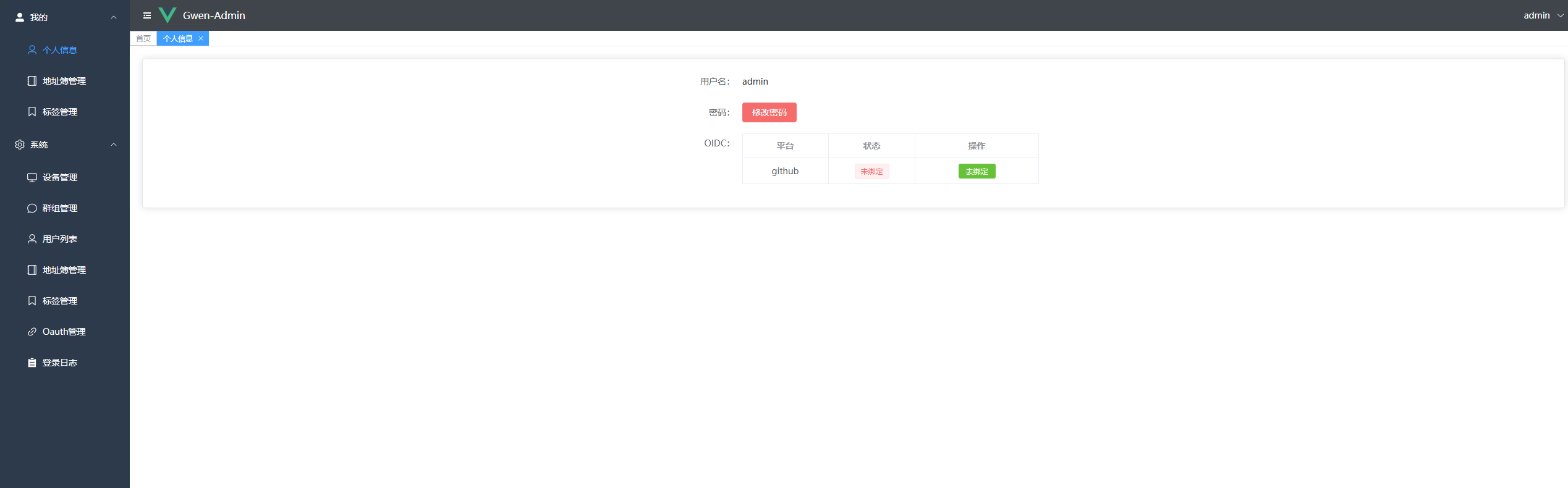
- Regular user interface

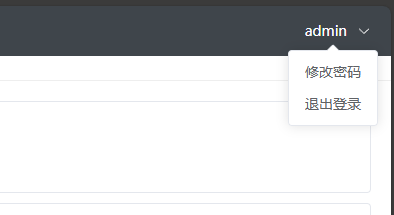
- Password can be changed from the top-right corner
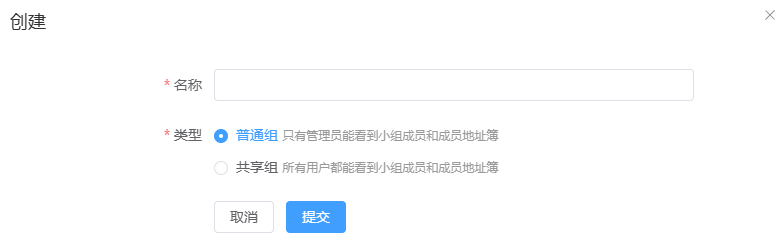
- Groups can be customized for easier management. Two types of groups are currently supported:
Shared GroupandRegular Group.
Web Client:
- If you are already logged in to the admin panel, the web client will automatically log in.
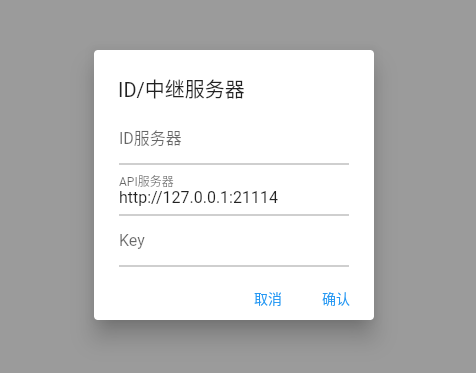
- If not logged in, click the login button in the top-right corner; the API server will be auto-configured.
- Once logged into the admin panel, the address book will be saved automatically in the web client for convenience.
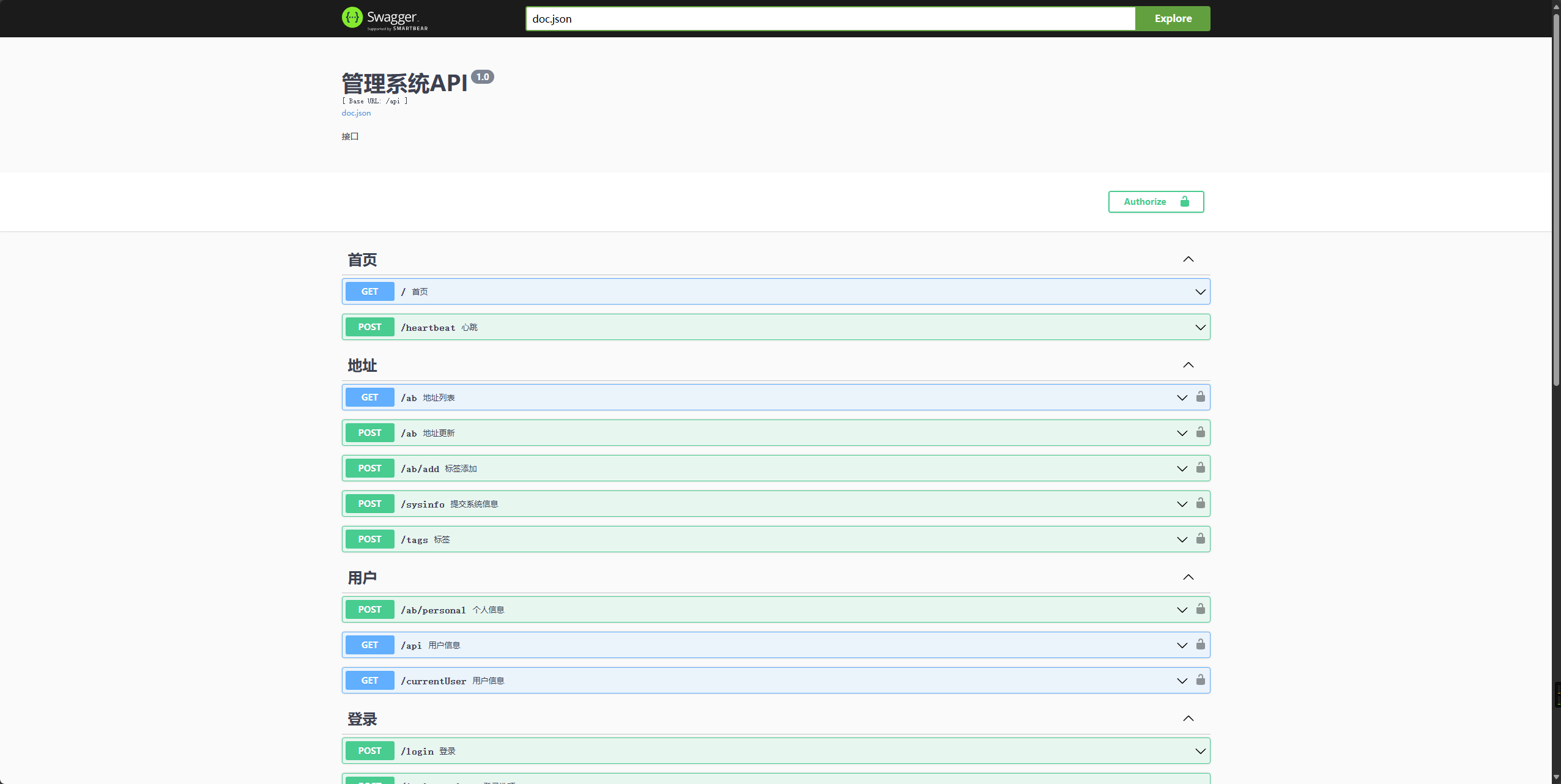
Automated Documentation: API documentation is generated using Swag, making it easier for developers to understand and use the API.
- Admin documentation:
<your server>/admin/swagger/index.html - PC client documentation:
<your server>/swagger/index.html
Installation and Running
Configuration
- Refer to the
conf/config.yamlfile to modify relevant configurations. Ifgorm.typeissqlite, MySQL configurations are not required.
gin:
  api-addr: "0.0.0.0:21114"
  mode: "release"
  resources-path: 'resources'
gorm:
  type: "sqlite"
  max-idle-conns: 10
  max-open-conns: 100
mysql:
  username: "root"
  password: "111111"
  addr: "192.168.1.66:3308"
  dbname: "rustdesk"
rustdesk:
  id-server: "192.168.1.66:21116"
  relay-server: "192.168.1.66:21117"
  api-server: "http://192.168.1.66:21114"
  key: "123456789"
Installation Steps
Running with Docker
- Run directly using Docker:
docker run -d --name rustdesk-api -p 21114:21114 -v /data/rustdesk/api:/app/data lejianwen/rustdesk-api
- Environment variables with the prefix
RUSTDESK_APIcan be set.
| Variable Name | Description | Example |
|---|---|---|
| -----------GORM Configuration---------- | ------------------------------------------------- | ----------------------------- |
| RUSTDESK_API_GORM_TYPE | Database type, either sqlite or mysql. Default is sqlite |
sqlite |
| RUSTDESK_API_GORM_MAX_IDLE_CONNS | Maximum number of idle connections | 10 |
| RUSTDESK_API_GORM_MAX_OPEN_CONNS | Maximum number of open connections | 100 |
| -----------MySQL Configuration--------- | ---Not required if using sqlite--- |
|
| RUSTDESK_API_MYSQL_USERNAME | MySQL username | root |
| RUSTDESK_API_MYSQL_PASSWORD | MySQL password | 111111 |
| RUSTDESK_API_MYSQL_ADDR | MySQL address | 192.168.1.66:3306 |
| RUSTDESK_API_MYSQL_DBNAME | MySQL database name | rustdesk |
| -----------Rustdesk Configuration------ | ------------------------------------------------- | ----------------------------- |
| RUSTDESK_API_RUSTDESK_ID_SERVER | Rustdesk ID server address | 192.168.1.66:21116 |
| RUSTDESK_API_RUSTDESK_RELAY_SERVER | Rustdesk relay server address | 192.168.1.66:21117 |
| RUSTDESK_API_RUSTDESK_API_SERVER | Rustdesk API server address | http://192.168.1.66:21114 |
| RUSTDESK_API_RUSTDESK_KEY | Rustdesk key | 123456789 |
- Use
docker-compose, adding your RustDesk API configuration to the provided RustDesk example:
networks:
  rustdesk-net:
    external: false
services:
  hbbs:
    container_name: hbbs
    ports:
      - 21115:21115
      - 21116:21116 # Custom hbbs port mapping
      - 21116:21116/udp # Custom hbbs port mapping
      - 21118:21118 # Required for web client
    image: rustdesk/rustdesk-server
    command: hbbs -r <relay-server-ip[:port]> -k 123456789 # Use your domain or IP + hbbr exposed port
    volumes:
      - /data/rustdesk/hbbs:/root # Custom mount directory
    networks:
      - rustdesk-net
    depends_on:
      - hbbr
    restart: unless-stopped
    deploy:
      resources:
        limits:
          memory: 64M
  hbbr:
    container_name: hbbr
    ports:
      - 21117:21117 # Custom hbbr port mapping
    image: rustdesk/rustdesk-server
    command: hbbr -k 123456789
    volumes:
      - /data/rustdesk/hbbr:/root # Custom mount directory
    networks:
      - rustdesk-net
    restart: unless-stopped
    deploy:
      resources:
        limits:
          memory: 64M
  rustdesk-api:
    container_name: rustdesk-api
    ports:
      - 21114:21114
    image: lejianwen/rustdesk-api
    volumes:
      - /data/rustdesk/api:/app/data # Mount database for easy backups
    networks:
      - rustdesk-net
    restart: unless-stopped
Running from Release
Download the release from release.
Source Installation
Clone the repository:
git clone https://github.com/lejianwen/rustdesk-api.git
cd rustdesk-api
Install dependencies:
go mod tidy
# Install Swag if you need to generate documentation; otherwise, you can skip this step
go install github.com/swaggo/swag/cmd/swag@latest
Build the admin front-end (the front-end code is in rustdesk-api-web):
cd resources
mkdir -p admin
git clone https://github.com/lejianwen/rustdesk-api-web
cd rustdesk-api-web
npm install
npm run build
cp -ar dist/* ../admin/
Run:
# Run directly
go run cmd/apimain.go
# Or generate and run the API using generate_api.go
go generate generate_api.go
To compile, change to the project root directory. For Windows, run
build.bat, and for Linux, runbuild.sh. After compiling, the corresponding executables will be generated in thereleasedirectory. Run the compiled executables directly.Open your browser and visit
http://<your server>:21114/_admin/, with default credentialsadmin admin. Please change the password promptly.